
AI News
3 min read
December 5, 2025

.jpg)
The slide deck is a universal corporate time sink.
We lose dozens of hours a week in painstaking battles against templates, fonts and alignment, trying to turn months of work into a cohesive and compelling narrative.
Up to this point, AI’s best effort at reclaiming this time came in the form dodgy bullet points and bare-bones design. It was certainly quicker, but AI generated slide decks needed so much work it wasn’t even worth bothering with (at least for most people).
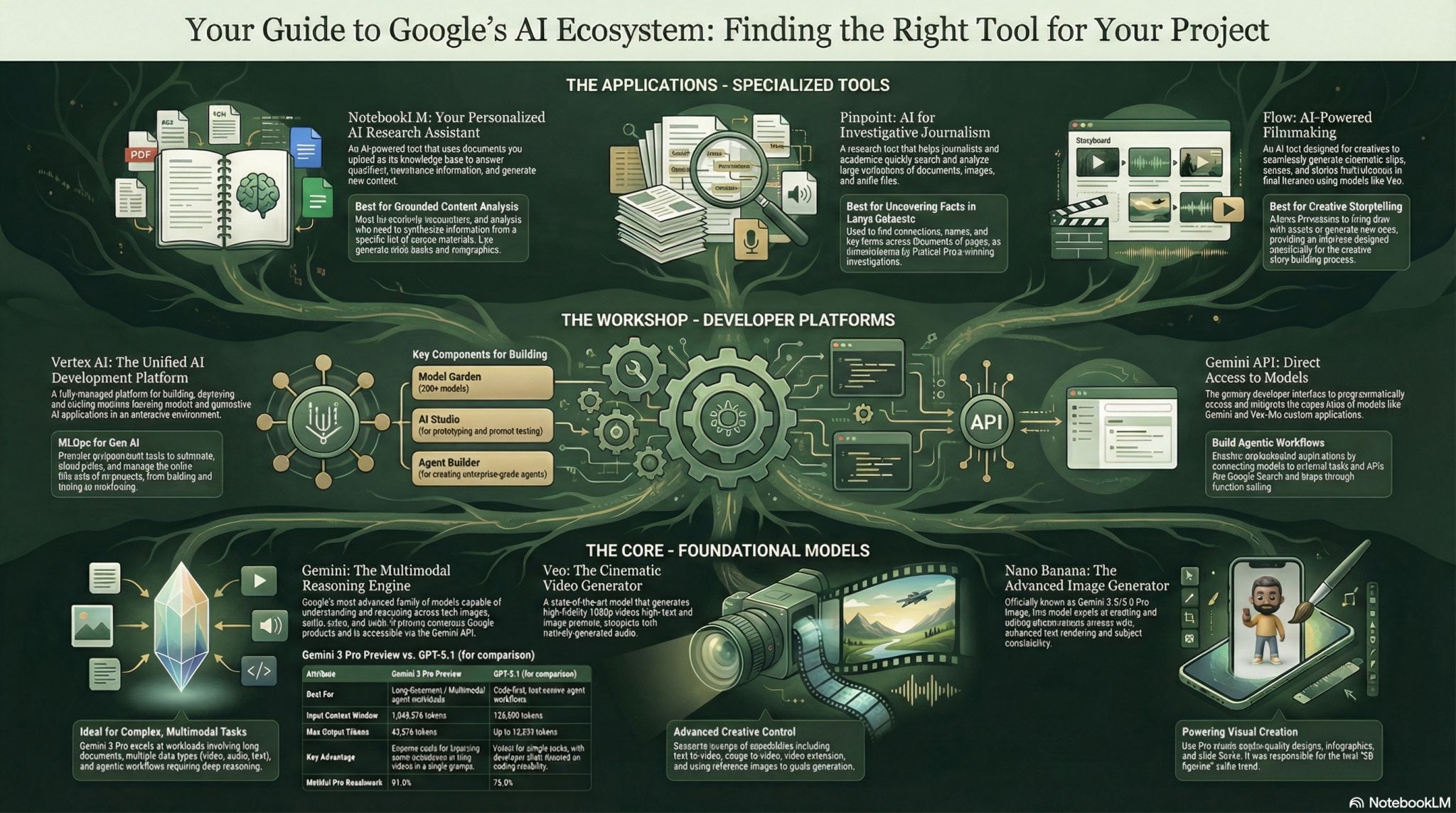
But this week, Google launched Nano Banana Pro. With the launch came two new and exciting integrations for all who seek to spend less time on decks. With Notebook LM, you can now generate an entire Slide Deck in addition to improved infographics and image generation. In Google Slides, the new Banana Icon promises to ‘beautify’ our slides, with similar improvements in image generation using Nano Banana Pro.
Since the release, I’ve been testing out the tool to see if it’s really the step-up that professionals require. So before you rush off to your project boards to see which slides you can knock out today, read on and see what I learnt and created using Nano Banana Pro and its integrations.
The amazing (and kind of weird) thing about these tools is that they output images rather than traditional slides with editable parts:
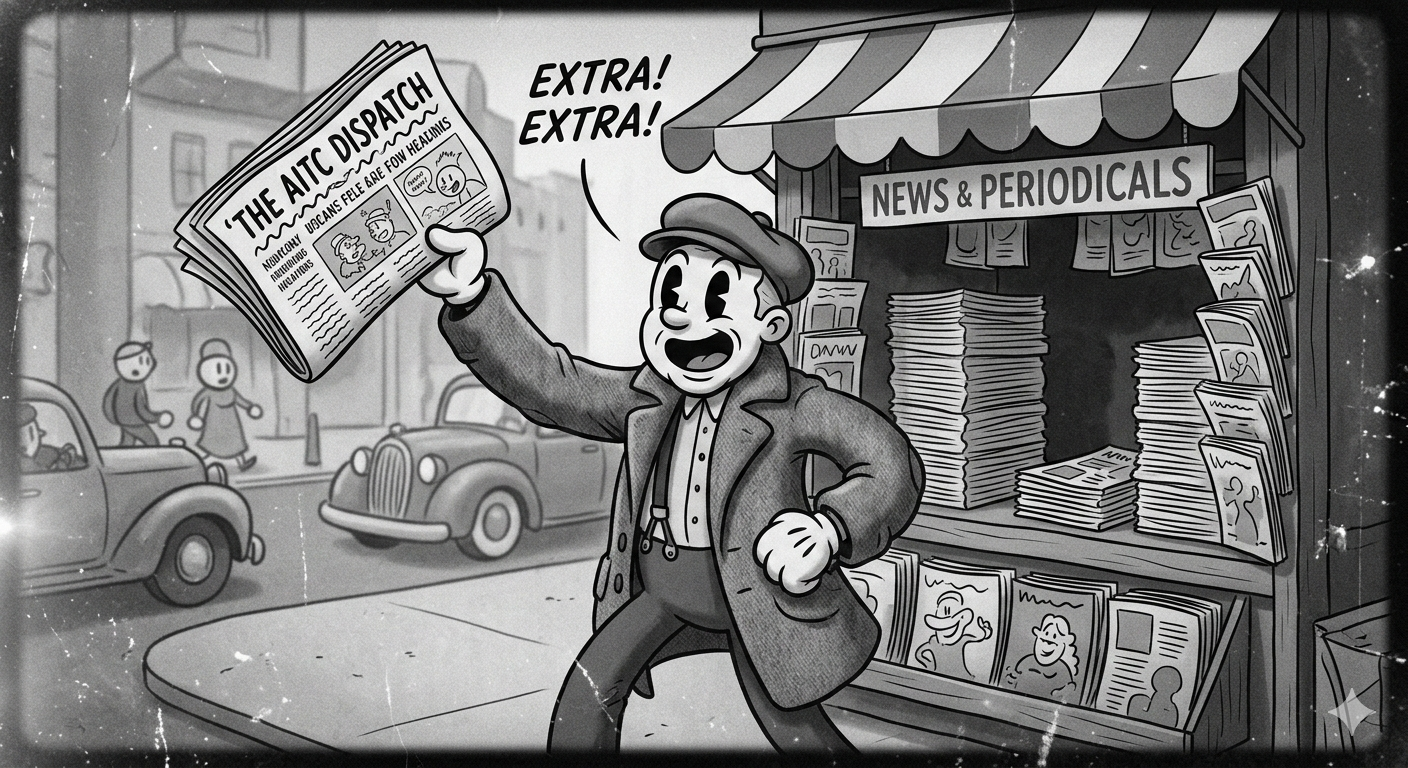
What took hours now takes minutes. The templates are solid, the typography is clean and the consistency is pretty good (but not perfect). But, as always with AI, the capabilities come with a few friction points. If the text in a slide or an infographic or a slide goes beyond 130 characters, you might find some alien-looking glyphs or other weird stuff.
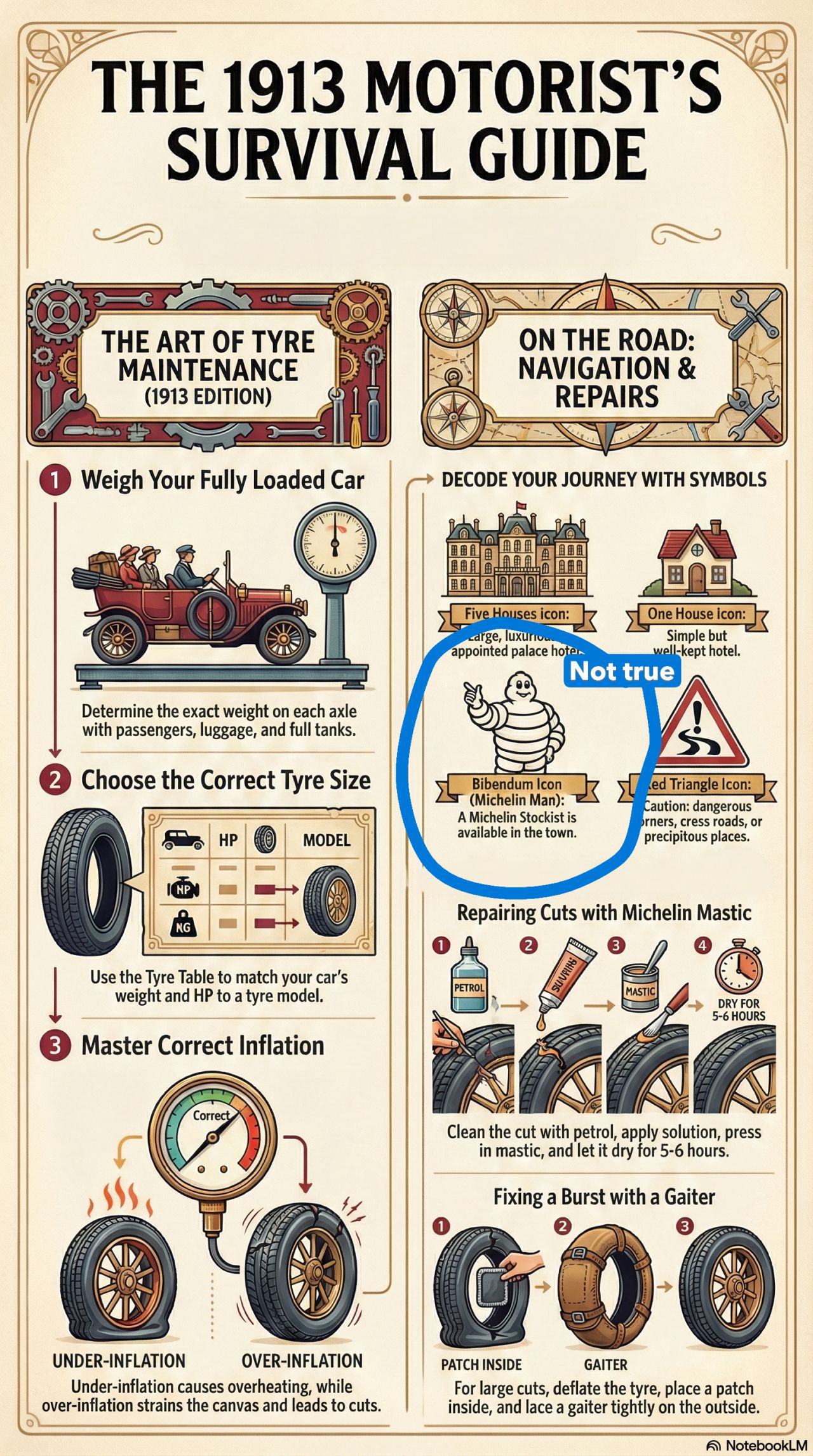
The new generative visuals are a leap in quality. But they’re also static. You cannot simply edit the image or chart in the way you would with a graphic you’ve made yourself, instead you're forced to regenerate the entire image, no matter how small the change.
You can use Nano Banana to edit any mistakes in the images. Generally if you give it a clear prompt, it will make the change you want. But it’s frustrating not to be able to jump in and rewrite the text yourself. That’s a major drawback that will really limit the usefulness of the feature for people who need a high degree of control.
That said, it’s still amazing. Nano Banana is more accurate than any other AI image generation tool, so if you find yourself struggling with a prompt for the initial image, you can tweak it to your liking after the fact.



).png)
%20(1).png)