
Gemini across Workspace
Gmail, Docs, Sheets, Slides and Meet: the everyday wins in each.
Practical training on Gemini in Gmail, Docs, Sheets and Meet, plus NotebookLM for working with your own documents.
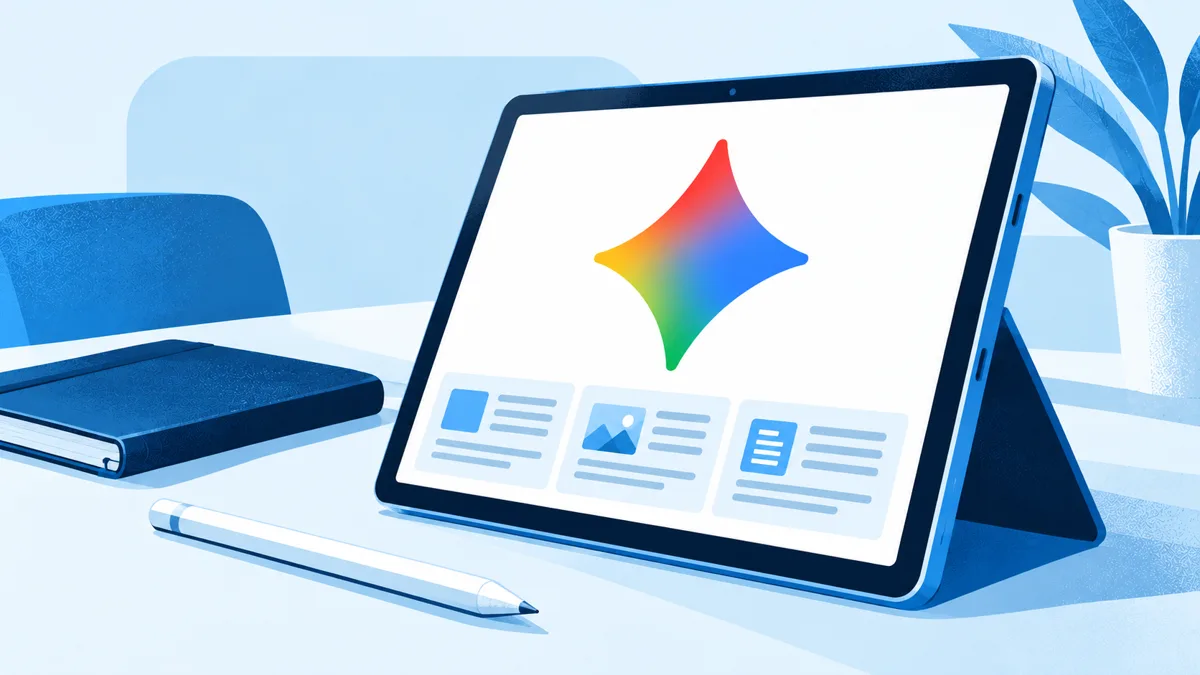
Organisations on Google Workspace with Gemini switched on. It suits teams who live in Gmail and Docs and want AI inside the tools they already use.
Every session is hands-on. The exact mix depends on the length you choose and your team's experience.
Gmail, Docs, Sheets, Slides and Meet: the everyday wins in each.
Load policies, reports or research and get answers with citations back to the source.
Saved instructions for repeated tasks, shared across the team.
What your Workspace admin controls, and the rules for using Gemini with work data.
Google Gemini Training runs in any of these lengths, for up to 25 people per session.
Please note: prices do not include travel or customisation. Sessions use our standard course material; building the session around your team's own work is a customised curriculum, charged per day of preparation. Travel is quoted separately.
Usually, yes. We’ll check your Workspace setup with your IT team before the session.
It’s available to most Workspace plans. We confirm what yours includes before we build the session.
Yes. Mixed sessions are common and we’ll focus on what each tool does best.
Book a short briefing. We'll talk through your team, your tools and the right length for Google Gemini Training.